
.IO
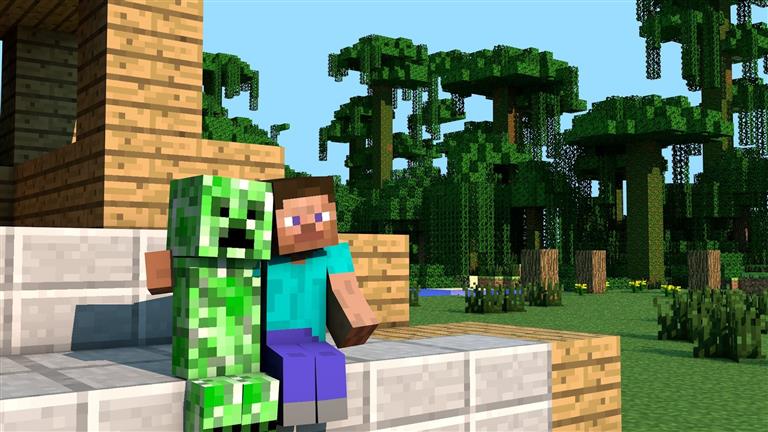
Minecraft
How to play Minecraft Classic? WASD - Move Space bar - Jump Show building blocks - B Place/Remove blocks - LMB Swap placing/removing blocks - RMB Spawn Peopl…
Play in your browser
About Minecraft
How to play Minecraft Classic?
WASD - Move Space bar - Jump Show building blocks - B Place/Remove blocks - LMB Swap placing/removing blocks - RMB Spawn People - G Chat - T Toggle fog - F Save location - Enter Load location - A Who developed Minecraft Classic?
The official Minecraft Classic game for your browser is created by Mojang, a Swedish game developer based in Stockholm.
They are also the …
Read moreHow to Play
Use your mouse or keyboard.
Tap the on-screen controls if the game shows them.
On a phone, turn the screen sideways if the game feels tight. Touch support depends on the game.
 Tic Tac Toe Mania Unblocked
3.6k plays
Tic Tac Toe Mania Unblocked
3.6k plays
 River Adventure
506 plays
River Adventure
506 plays
 Black Soldier of Rome
1.4k plays
Black Soldier of Rome
1.4k plays
 Among Us Space Rush unblocked
7.3k plays
Among Us Space Rush unblocked
7.3k plays
 Idle Pop Merge
694 plays
Idle Pop Merge
694 plays
 Candy Match
6.9k plays
Candy Match
6.9k plays