Original Classic Solitaire
- Rating
- —★★★★★Be the first to rate
- Plays
- 44 plays

Original Classic Solitaire
Cards
Loading game… 0s Bigger games can take up to a minute to start the first time. It's not a bug, keep this tab open.
About Original Classic Solitaire
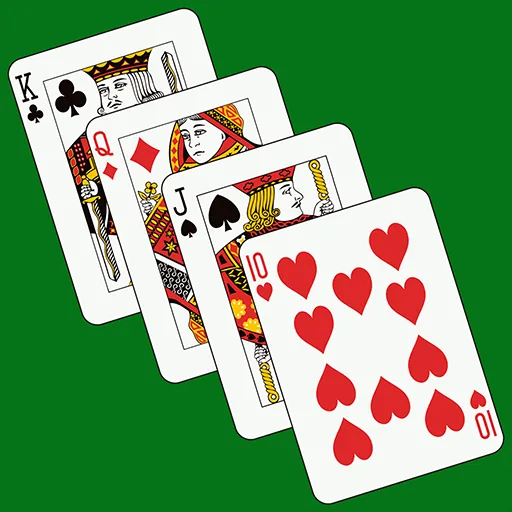
In Original Classic Solitaire, you engage in the timeless card game you know from computer versions, now optimized for mobile play.
Your goal is to arrange cards according to solitaire rules, using the game's Click & Draw function to automatically move cards to their correct positions.
The game features beautiful backgrounds you can choose from to personalize your experience.
During a ses…
Read moreHow to Play
- Click on a card to select it.
- The Click & Draw function automatically moves the card to the correct position.
- Continue playing by clicking cards until you complete the solitaire layout.
- Check the time reminder to manage your gaming session.
On a phone, use the game’s on-screen controls if they appear. Landscape orientation gives the player more room.
Tips for Original Classic Solitaire
- Use the Click & Draw function to let the game automatically place cards in their correct positions, reducing the need for manual moves.
- Pay attention to the time reminder feature designed to help you manage how long you spend playing.
- Choose your favorite background to personalize your solitaire experience while you play.
Original Classic Solitaire FAQ
What is the Click & Draw function?
When you click on a card, the Click & Draw function automatically moves it to the right place on the board.
Does this game help me manage my playtime?
Yes, the game includes a time reminder designed to help you manage your time and prevent getting too addicted to playing.
Can I customize how the game looks?
You can choose from beautiful backgrounds of your choice to personalize your mobile solitaire experience.