
Snack Stack
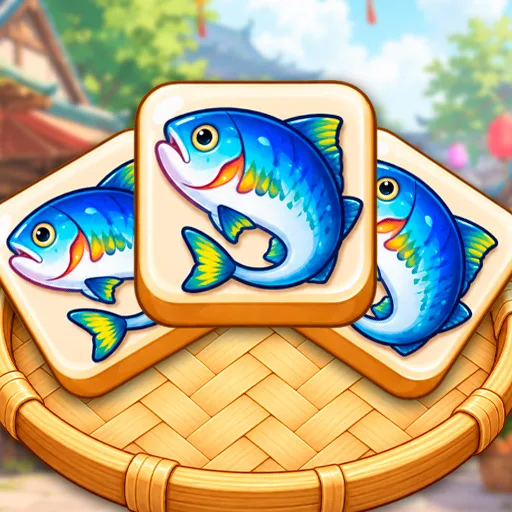
Snack Stack
Casual
About Snack Stack
In Snack Stack, you pick tasty food tiles from a colorful Asian food market board and place them into a tray at the bottom.
Your goal is to collect matching snacks—like fish, steak, corn, eggs, and crab—and complete each level by removing the required items through tile matches.
Tap an available food tile to move it into your tray, then collect 3 identical tiles to match and remove them. …
Read moreHow to Play
On a phone, use the game’s on-screen controls if they appear. Landscape orientation gives the player more room.
Tips for Snack Stack
- Plan ahead before tapping tiles, since the tray has limited space and filling it without matches means game over.
- Watch which food types are needed to complete the level goal, and prioritize matching those tiles.
- Save Undo and Shuffle for moments when you are truly stuck, since you may need them later in the level.
You Might Also Like
 Dan the Man
1.5k plays
 Stickman Kombat 2D
2k plays
 Ragdoll Parkour Simulator
514 plays
 Let's Fart Brandon
653 plays
 wex 6
6.2k plays
 Timberman
365 plays
Snack Stack FAQ
How do I match tiles in Snack Stack?
Tap an available food tile to move it into the tray at the bottom, then collect 3 identical tiles in the tray to create a match and remove them from play.
What happens if my tray fills up?
If the tray fills up before you can make a match of 3 identical tiles, you lose the level.
Can I undo my moves?
Yes, you can use Undo to reverse a move or Shuffle to rearrange tiles when you get stuck during a level.