
Solitaire Collection: Klondike, Spider & FreeCell
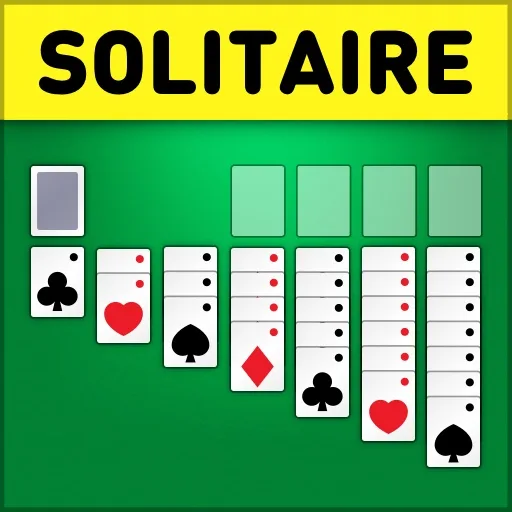
Solitaire Collection: Klondike, Spider & FreeCell
Cards
About Solitaire Collection: Klondike, Spider & FreeCell
Play three classic solitaire card games: Klondike, Spider, and FreeCell.
Your goal is to arrange cards according to each game's rules, moving them strategically across the tableau and foundation piles.
Each game offers unlimited undo moves and hints to help you find solutions, along with customizable settings that let you control sound, autoplay, card draw options, and more.
Start a new g…
Read moreHow to Play
On a phone, use the game’s on-screen controls if they appear. Landscape orientation gives the player more room.
Tips for Solitaire Collection: Klondike, Spider & FreeCell
- Use hints liberally—you have unlimited hints available, so take advantage of them to learn card combinations.
- Undo moves freely without penalty to explore different strategies and find the best path forward.
- Customize your settings to match your play style, such as choosing 1-card or 3-card draw modes in Klondike.
You Might Also Like
 The Island Survival
1k plays
 Elon Cars : Online Sky Stunt
556 plays
 Strike Galaxy Attack
783 plays
 Cowboys vs Robots
4.4k plays
 Grinch Chase Santa
600 plays
 Merge Snake Battle
992 plays
Solitaire Collection: Klondike, Spider & FreeCell FAQ
Can I undo my moves in this game?
Yes, the game features unlimited undos, allowing you to reverse any move without restriction.
What controls do I use to play?
Click and drag cards to move them between piles. Click "New game" to start a fresh game.
Can I customize how cards are drawn?
Yes, you can adjust settings to draw 1 card or 3 cards at a time, along with toggling sound and autoplay options.